

01Practice
Know what needs work
Let readiness and recent practice bring the right songs to the top.
Built for the whole band
Locked In gives your band one shared workspace for songs, readiness, rehearsals, setlists, gigs, contacts, charts, and show-day tools. Personal charts and a separate workspace for your own projects are there when you need them.
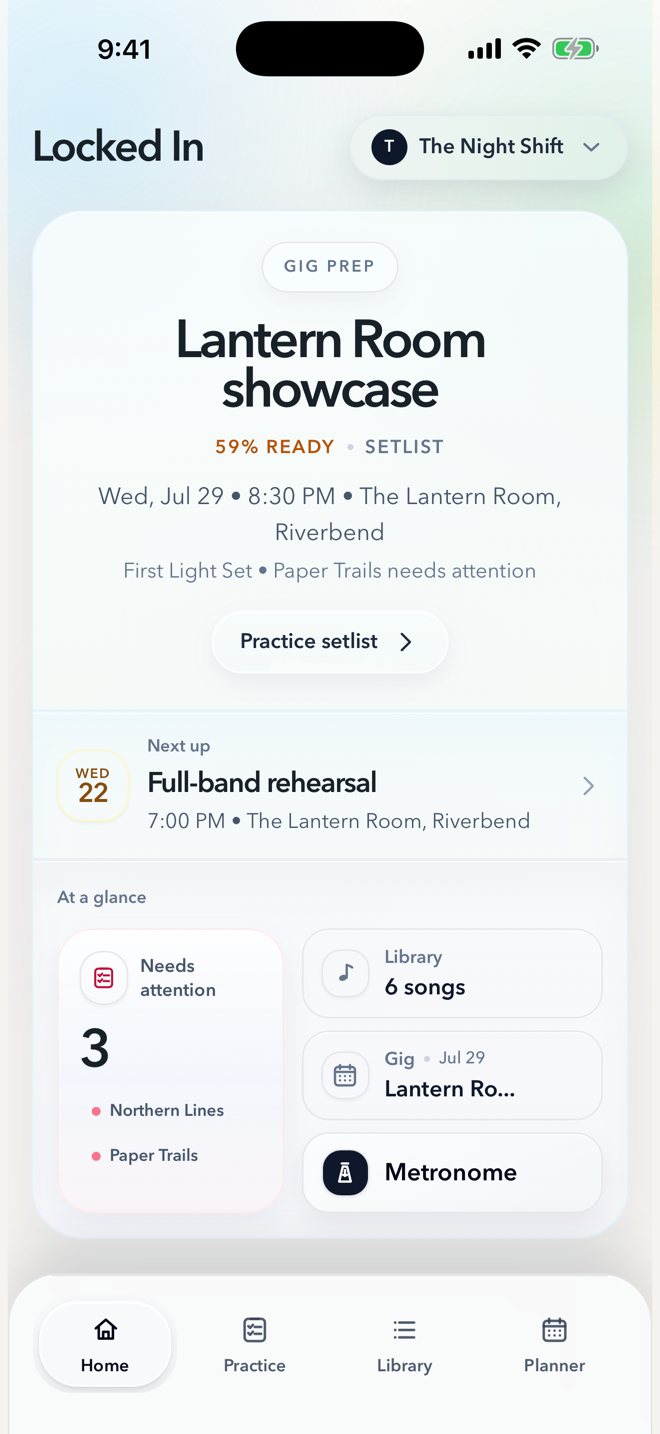
01 One current plan for the whole band.
02 Personal charts stay yours.
03 Your own projects stay separate.
Everything in its place
A shared workflow for the practical details that turn a collection of songs into a prepared band.
Let readiness and recent practice bring the right songs to the top.
Keep songs, keys, tempos, notes, and chart PDFs rehearsal-ready.
Arrange the set, add cues, then move into a focused Live Mode.
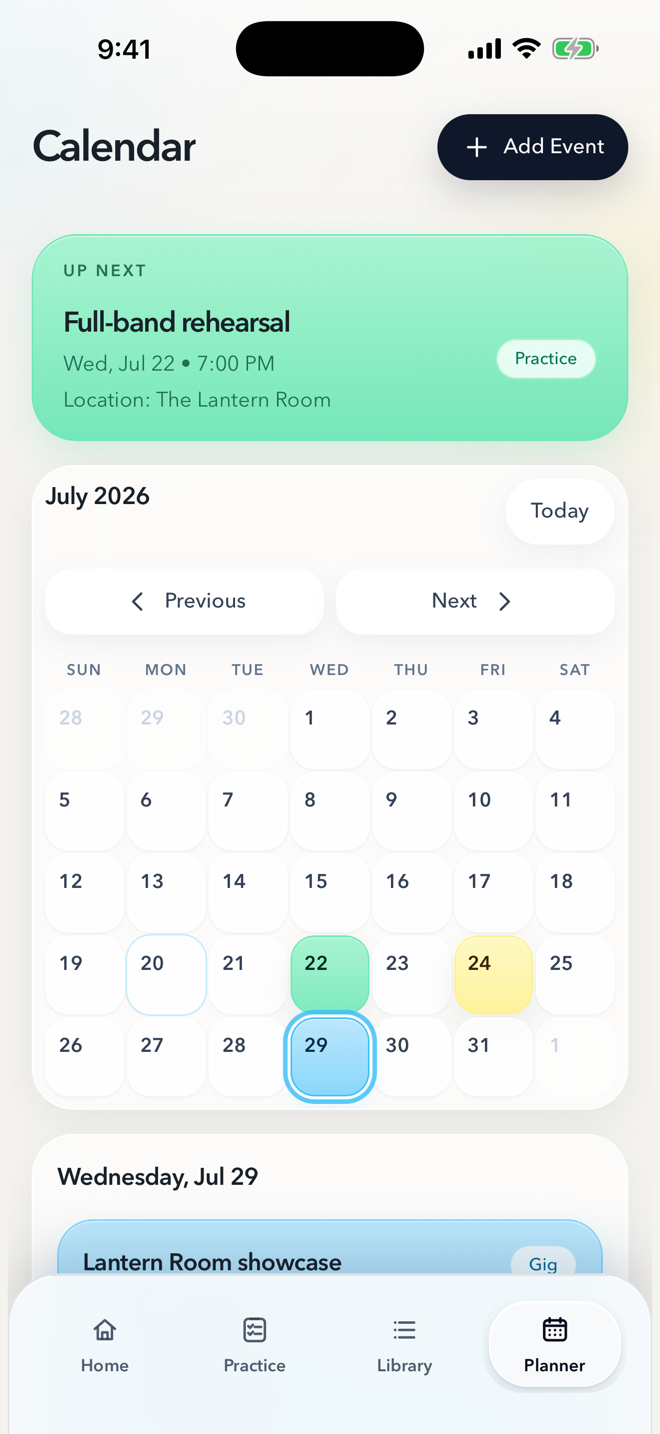
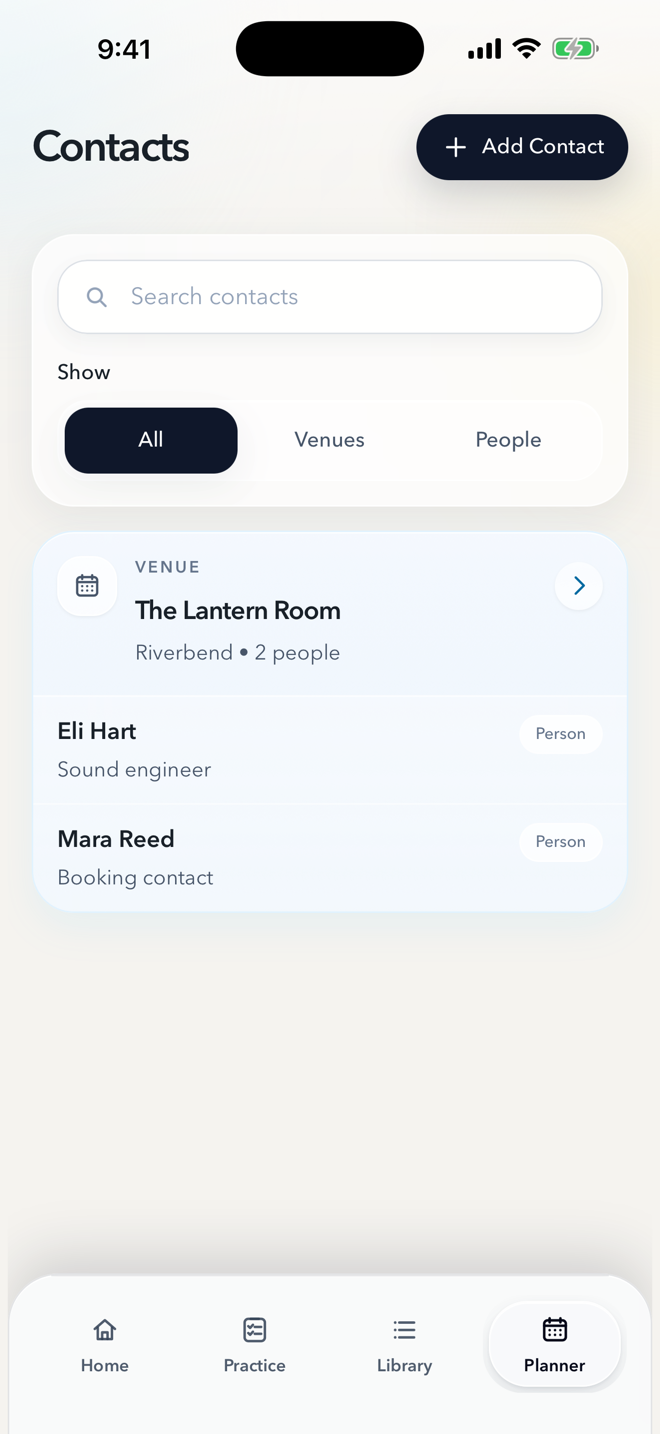
Keep rehearsals, gigs, venues, and contacts close.
Open the metronome with saved song tempos ready.
Share the current songs, setlists, events, and contacts.
Inside Locked In
Real screens show how the band’s current plan moves from the next rehearsal through the final song.
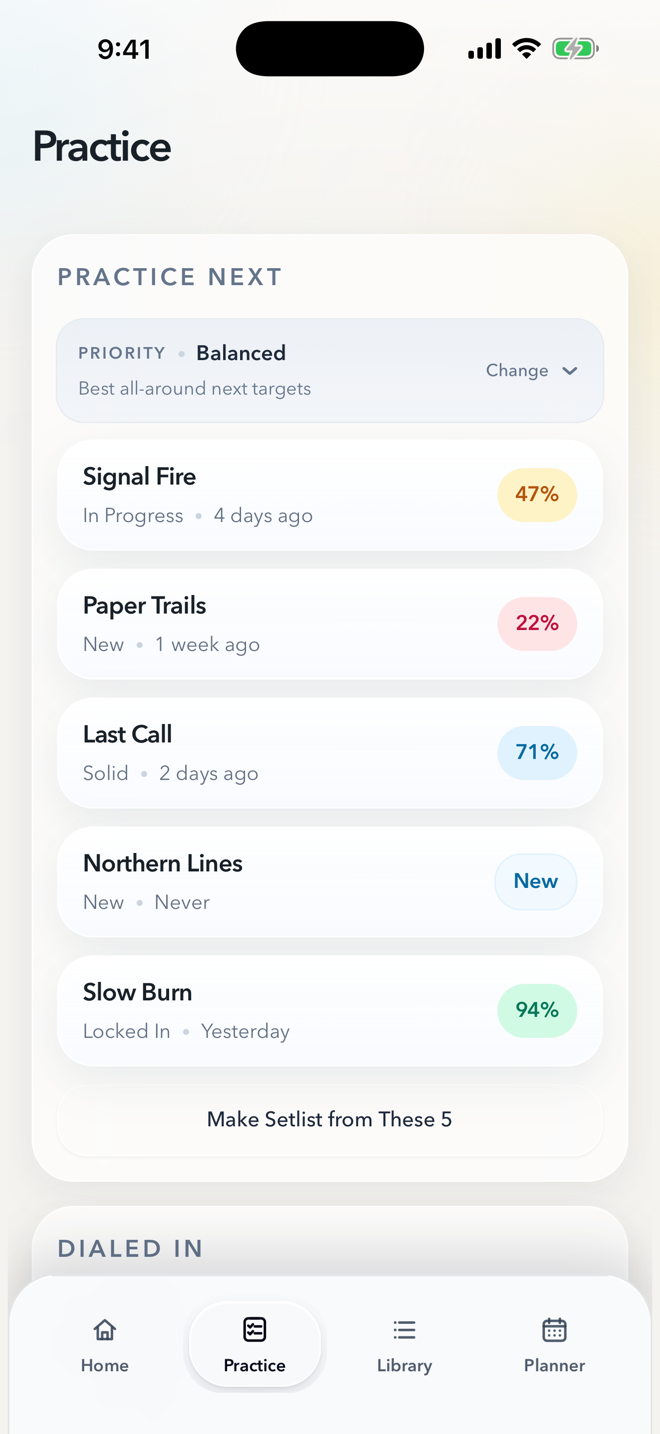
Practice Next
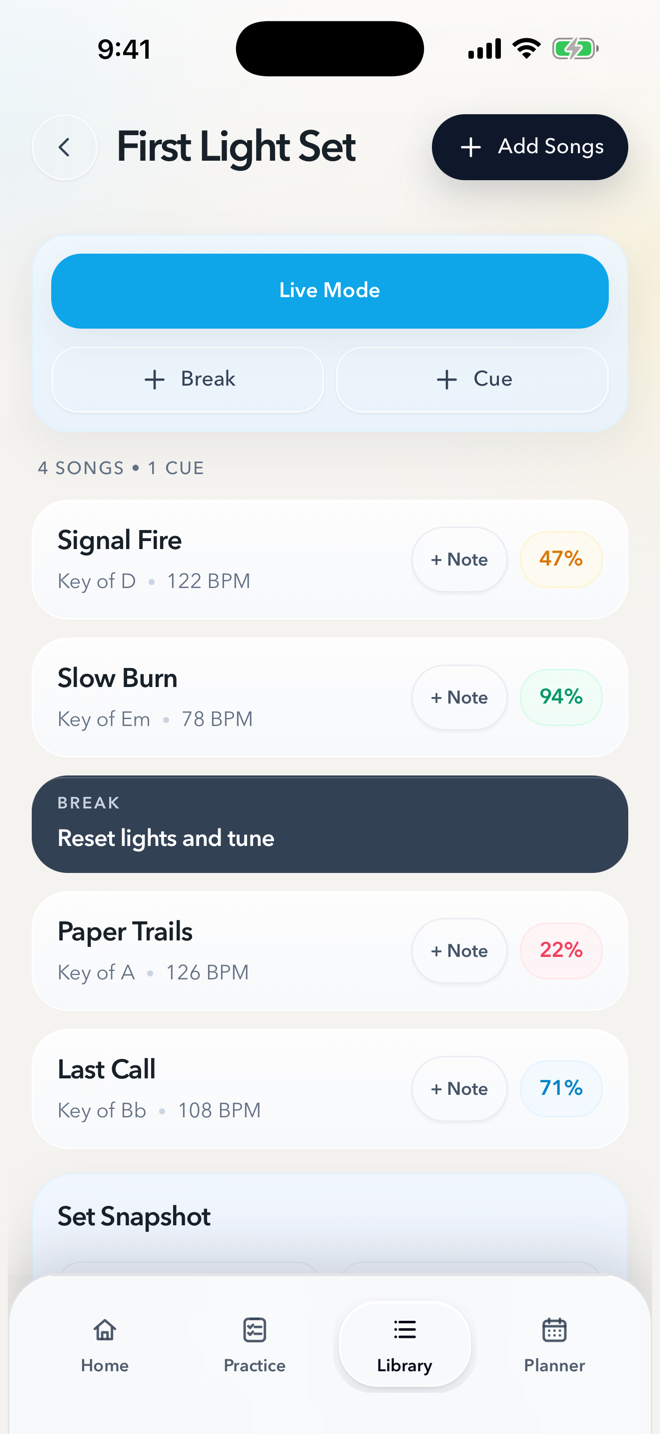
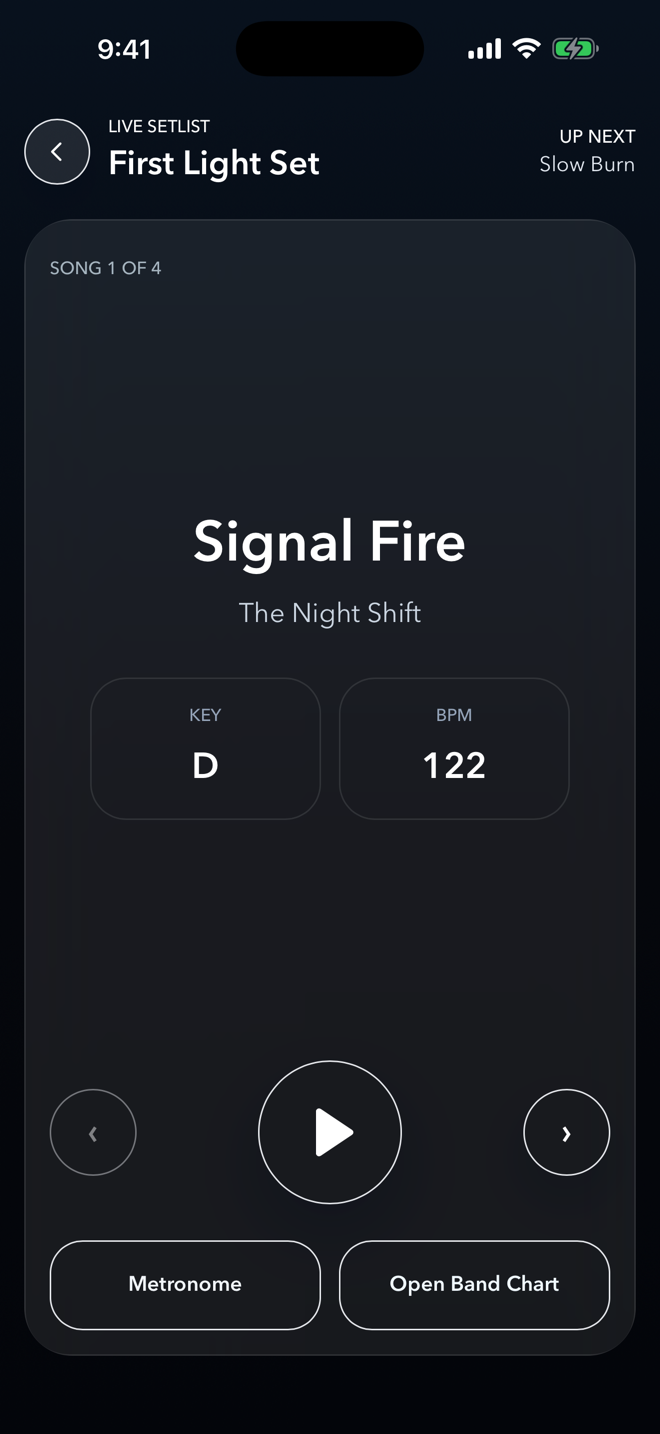
Setlists Live Mode
Planner
Built for the whole band
A shared band workspace keeps songs, setlists, readiness, rehearsals, gigs, and contacts current across members. Everyone works from the same plan while using the charts that work for them.
How workspaces fitShared songs, setlists, events, contacts, and readiness stay current for active members.
Use your own chart without replacing the band’s shared chart.
Use the Personal workspace for independent songs, practice, setlists, and projects.
The band, in sync